More clarity. More speed. More power without compromising precision.
Drop a reference image
Use a clean source image for editing, style transfer, or composition rebuilds.
Create stunning images from a text prompt, or edit any photo with AI — remove backgrounds, change styles, retouch portraits, and more. Free online, no sign-up, and powered by three real AI models: Seedream 4.0, GPT Image 2, and Nano Banana. Start generating in seconds and download results in up to 4K.
More clarity. More speed. More power without compromising precision.
One workbench, three modes. Generate from scratch with a text prompt, transform an existing photo, or edit with natural-language instructions. Switch between them anytime — all free to start, no sign-up required.
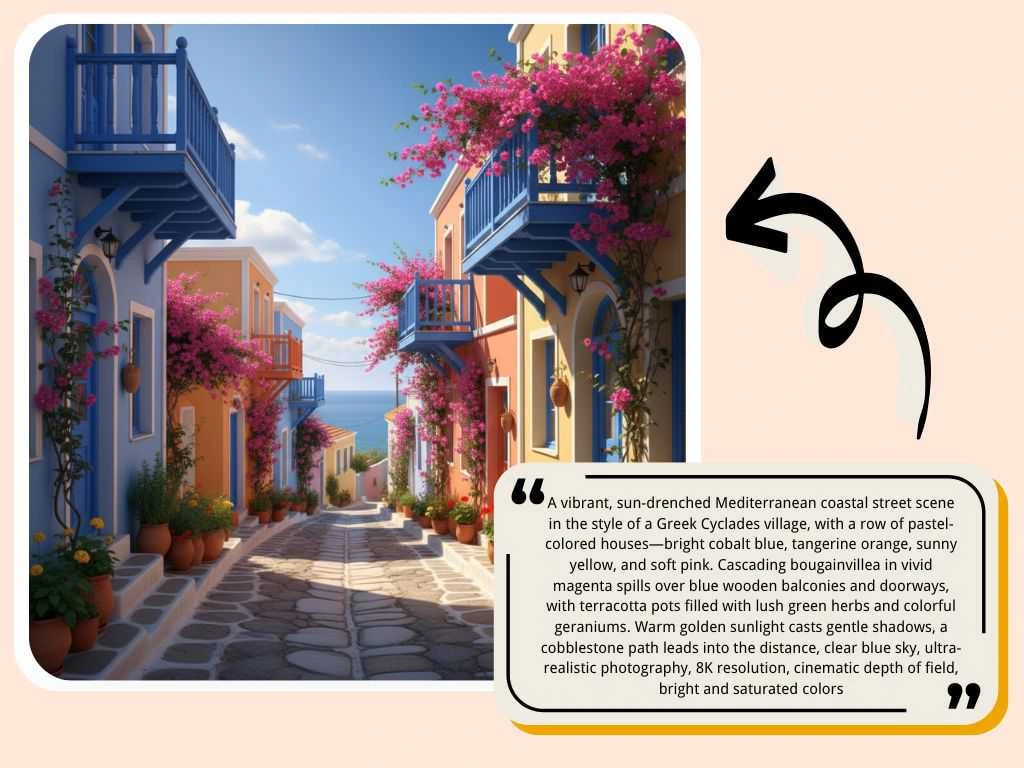 Text to Image
Start with a prompt and let the AI image generator do the rest. This text to image tool turns your description into a finished picture — photorealistic portraits, studio product photos, anime art, sketch illustrations, or cinematic scenes. No camera, no design software, no photoshoot. Type what you want to see, pick a style, and download the result in seconds.
Try Text to Image →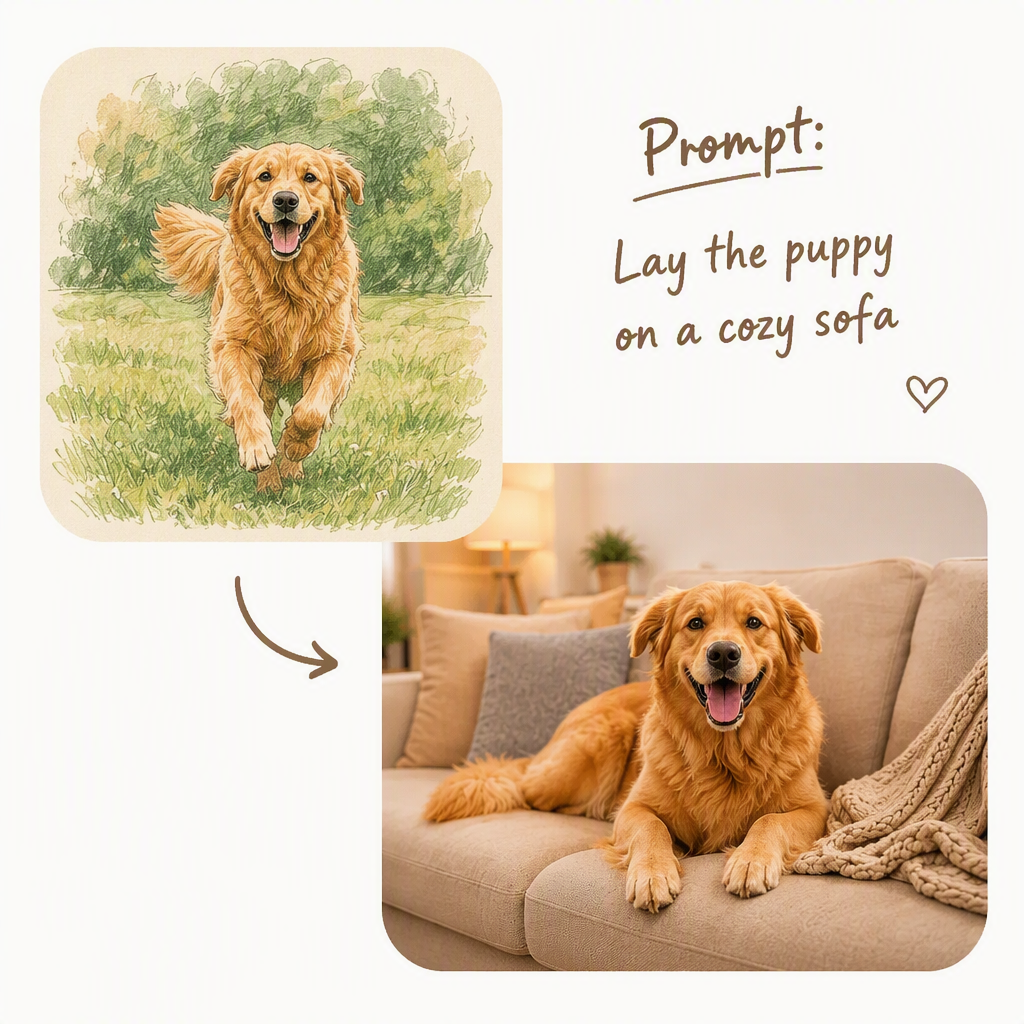 Image to Image
Upload a photo and let AI transform it into something new. Turn a portrait into anime style, restyle a product shot, restore a faded photo, or swap a cluttered background for a clean studio scene. The original subject stays intact — only the look changes. Image to image AI is the fastest way to repurpose photos for social media, creative projects, or anything in between.
Try Image to Image →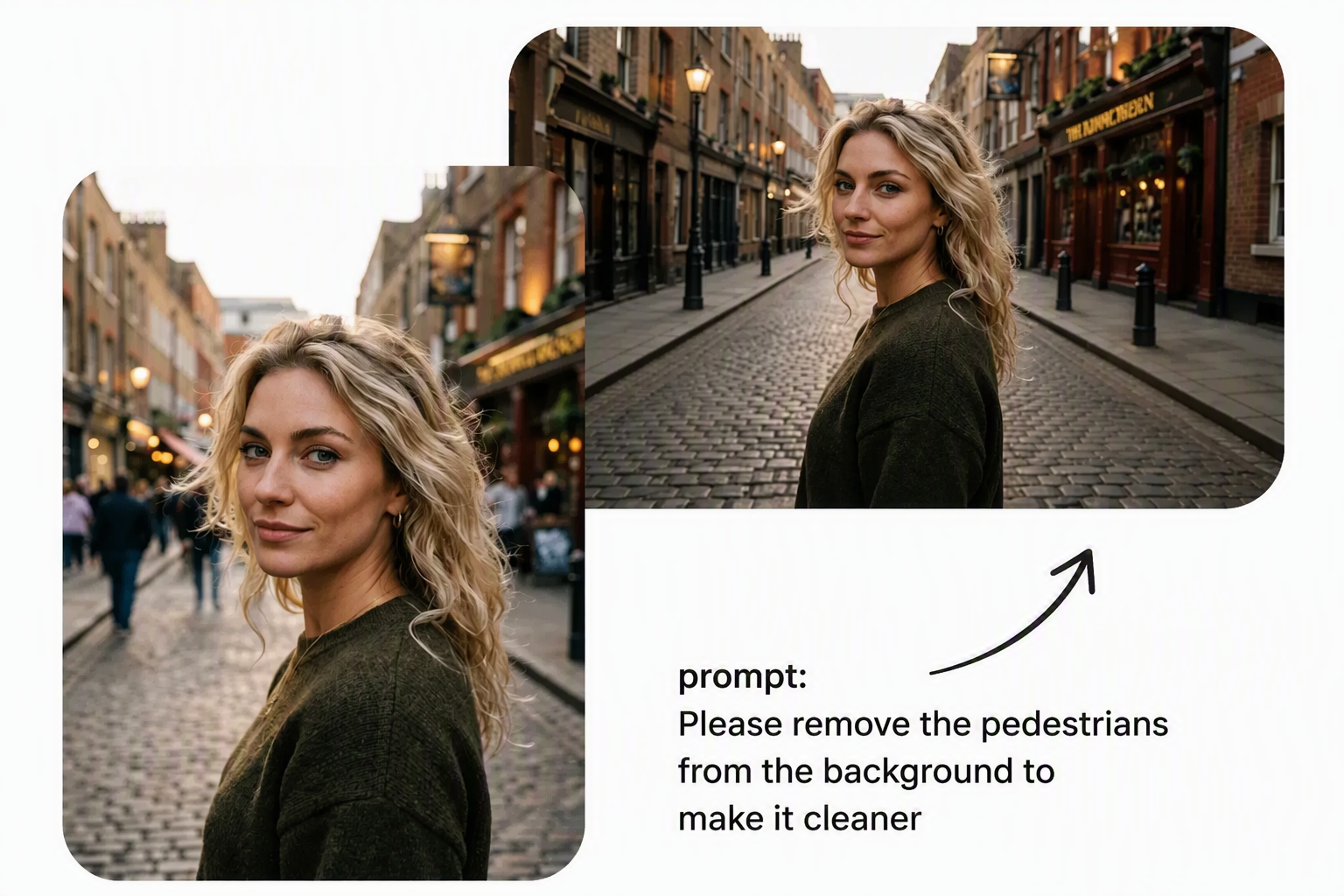 AI Photo Editor
Skip the layers and masks. This free AI photo editor works with plain-language instructions — "remove the background," "make this a passport photo," "retouch the skin," "try a shorter hairstyle" — and applies the edit instantly. Background removal, ID photo generation, portrait retouching, and hairstyle previews all run in one workbench. It doubles as a quick image editor — crop, enhance, and export as clean PNG or JPG, ready for e-commerce listings, documents, or social posts.
Try the AI Photo Editor →Every image below was generated on AIPhotogen from a real prompt. Browse what others created, copy a prompt you like, and see what Seedream 4.0, GPT Image 2, and Nano Banana can do. New public works appear as creators publish them.

Portrait of a young woman, soft natural window light, shallow depth of field, editorial fa…

Luxury perfume bottle on warm marble surface, soft side lighting, editorial e-commerce pho…

Anime-style portrait of a girl with long flowing hair, cherry blossom background, Makoto S…

Fashion model in a modern city street at golden hour, cinematic color grading, editorial c…

Professional headshot, neutral light grey background, friendly expression, business attire…

Minimalist product flat lay, white background, skincare bottle arrangement, clean studio l…

Remove background, isolate the sofa, replace with a clean white studio background, maintai…

Male portrait, outdoor natural light, candid expression, warm bokeh, film photography aest…

Cute anime character in a cozy cafe, warm lighting, Studio Ghibli style background, detail…

Bold graphic poster design, vibrant teal and orange color scheme, cinematic typography com…
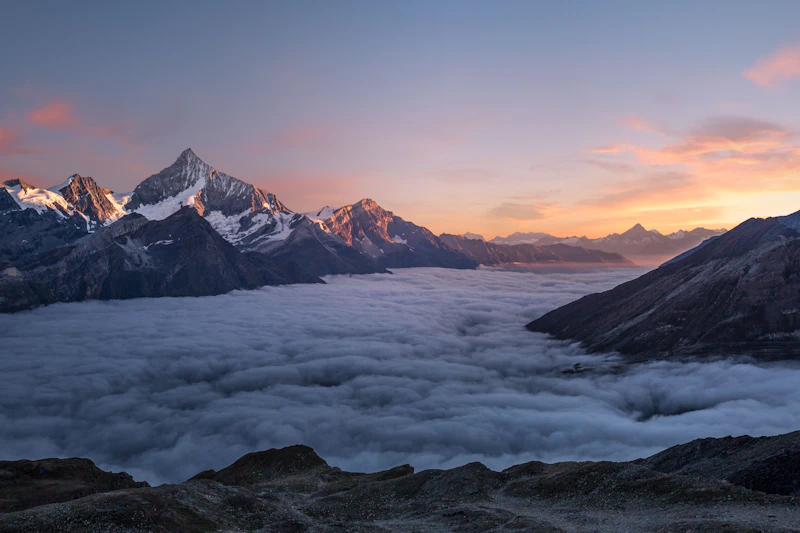
Dramatic mountain landscape at sunset, golden hour light, wide cinematic composition, atmo…

Realistic portrait retouching, enhance skin tone naturally, soften background, maintain au…
Step-by-step guides for writing better prompts, removing backgrounds, restoring old photos, and getting the most from each model. Written for beginners, useful for everyone.
Mixed reviews from across our models, scenes, and tools — unfiltered reactions from real users.
Loading reviews…
Everything you need to know about generating and editing images with AIPhotogen — free, no sign-up, powered by real AI models.
You used today's free credits. Come back tomorrow, or buy a one-time credit pack to keep creating now.
Choose a one-time credit pack. Purchased credits never expire. If the free balance cannot cover the whole generation, the whole cost uses purchased credits without splitting.